Meeting hub

Contacts, calendar, and reminders before the room opens

Client & employee portals Meeting calendar 1-hour reminders

From meetplanhub.com · To the attendee

meetplanhub.com

Hello — your meeting starts in one hour.

Reminder

Thursday planning session · 10:00 · Host has invited you from the client portal.

Open calendar

Notifications (3)

HostJust now

Meeting scheduled — three members invited from your contact list.

AlexJust now

Added to the employee portal contact list.

NoraJust now

Reminder set — attendees notified one hour before start.

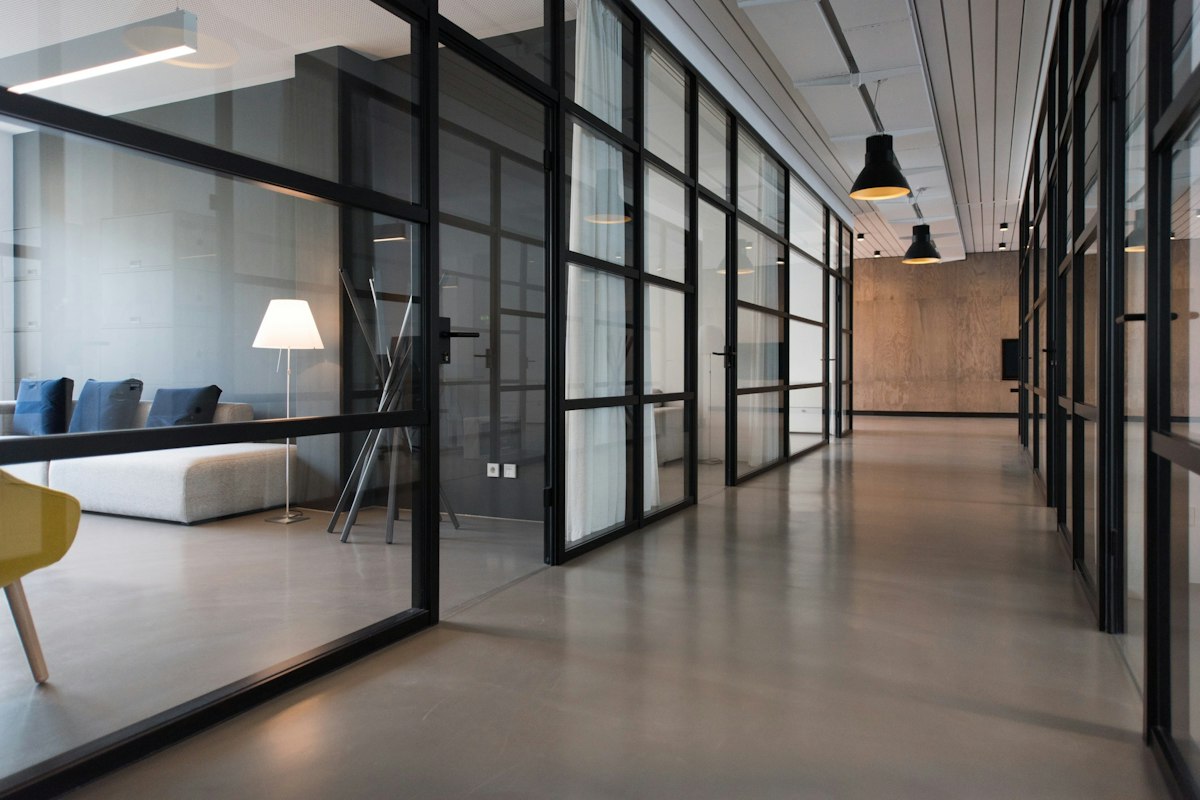
Meeting room prepared for a working session
For hosts and organisers

Contacts, calendar, and reminders in one place

Bright open office used for planning sessions

Contact portals

Build lists of clients and employees in dedicated portals, so the right people are ready when you schedule.

Meeting calendar

Schedule meetings on the calendar and invite members from your contact lists in a few steps.

Automated reminders

Attendees receive a reminder one hour before the meeting starts, so fewer people miss the room.

How it works

  1. 1.
    Add your contacts.

    Create client and employee lists in the portals so invitees are ready when you book.

  2. 2.
    Schedule the meeting.

    Pick a time on the calendar and invite members from those lists.

  3. 3.
    Let reminders run.

    Attendees get an automated notice one hour before the meeting starts.

Workshop table with notes during a planning session

What members use the hub for

About · 04

Let us show you the meeting hub

meetplanhub.com is a membership for people who schedule meetings with clients and teams. Keep contacts in portals, book sessions on a calendar, and rely on reminders so attendees show up on time.

This is not a video conference tool. It is the contact lists, the calendar invites, and the one-hour reminder — the parts that keep meetings from slipping.

Members open the same hub after sign-up: client and employee portals, a calendar for scheduling and invites, and automated reminders sent one hour before each meeting.

Contact portalsCalendarInvitesRemindersMember hub

One membership, written in two lines

Trial, then a recurring membership

TRIAL

€0.01 / 1 day(s)

  • 1-day trial before the membership rate
  • Portal for clients
  • Portal for employees
  • Member desk after sign-up
Start the trial

Cancel whenever you like — no long-term contracts.

THEN MEMBERSHIP

€29.90 / 28 days

  • Same desk after the trial window
  • Portal for clients
  • Portal for employees
  • Cancel from the member desk or support

Prices stay on the membership tokens above — nothing extra is billed in this card.

Start before the next meeting

Add contacts and book a meeting on meetplanhub.com. Trial pricing is shown at sign-up, then the membership renews only if you keep it.

Start membership
Conference room set for a team meeting

Contact us
with your questions

Have a question about our services? Send a message and our support team will get back to you.

Privacy Policy Terms of Services

Frequently asked questions

  • Why has my credit card been charged?

    If you have ordered/purchased a product or subscribed to a service on a 1-days trial basis for €0.01, we suggest that you check your latest bank statement to see the transaction - any transaction from us is managed with 3D Secure technology.

  • Cancel your membership.

    You are free to cancel your subscription at any time. There is no mandatory membership period. If you wish to terminate your membership all you have to do is click on the My Account tab. Once your subscription has been cancelled, no further charges will be made to your card. Cancellation does not, however, affect other services and/or benefits linked to your user account for the period(s) charged.

    Please note that for technical reasons you cannot cancel your subscription to a service within the first 24 hours after having registered the account. If you wish to terminate your membership before the aforementioned lock period, please contact customer service directly. If you choose to not cancel your membership before the end of your trial period, then your trial membership will turn into a basic membership automatically and your card will be charged at the standard subscription price of:

    Membership price: Renewal duration:
    €29.90 Every 28 days

    After you have cancelled your membership, no further charges will be made to your card. Keep in mind you can always reactivate your membership or register a new service account at any time. Terminating your membership does not affect other enabled services on your meetplanhub.com user account for the period that have been charged already. meetplanhub.com will send you a notification of cancellation to the E-mail address indicated when you opened the account. Lost or non-delivered receipts do not annul the validity of your request for cancellation. This is based solely upon the information stored in the meetplanhub.com customer database. Nevertheless, it is your sole responsibility as a customer to enter a valid E-mail address. It is also your responsibility as a customer to check for E-mails that have been redirected to your spam-folder. Please contact customer service if you need more information on how to prevent these types of errors in E-mail delivery.

  • I'd like to request a refund. What is your policy?

    The trial subscription price is non-refundable and we do not make refunds for incomplete monthly subscriptions. We may, however, at any time and for any reason decide to grant a refund, discount or exclusive benefit to a subscriber. The amount and terms linked to the refund in question, and the decision to grant such a refund, is at our sole discretion.

    Your purchase is covered by a legal withdrawal clause. You may only terminate your initial purchase if your subscription has not been activated. When you accept the purchase and enter your meetplanhub.com account you have automatically activated your membership. To withdraw your order or purchase, you must log off the meetplanhub.com platform immediately after the initial purchase and avoid logging in again. Contact our customer service by E-mail to cancel your order. We will do our best to cancel your subscription and give you a refund.

  • Why has my credit card been charged immediately after subscribing to the service?

    If you wish to access our service, you must first pay the amount of €0.01 for a 1-day trial period. The trial period amount is non-refundable from the moment you start using the service. You may still apply for a refund if the service hasn't been activated.

  • I have a trial period subscription but my card was charged twice. Why?

    Our service includes a 1-day subscription trial version of €0.01 with a fixed trial period. After the duration of the trial period is over, your subscription is automatically extended into a basic subscription plan according to our Terms of services, to which you have agreed. By terminating your subscription before the trial ends, you will avoid this from happening. In order to cancel your account, please contact us immediately.

  • How may I contact you?

    Our customer service is open 24/7 all year round and can be accessed through E-mail, chat and phone. We suggest that your first point of contact is via E-mail. In case you are trying to contact us through the chat service and have connectivity issues, please send us an E-mail and a customer support representative will contact you as soon as possible.

  • What can I expect after terminating my subscription?

    After you have terminated your subscription no further charges will be made to your card. Any information stored about you is deactivated according to our service's GDPR policy. If you wish to get a refund, you must NOT have activated or used the service. All personal data can be erased upon request.

  • I just registered to your service but have yet to receive any login data. What should I do?

    An introductory E-mail with all your login information has been sent to the E-mail address used when you opened the account. We recommend you check your spam and trash folder. If you still have trouble finding it, please contact our customer support.

Checkout